
If you cannot remember your password or want to create a fresh one, Peeptown can email you a reset link.
Step 1: Open the forgot password page
Go to Forgot password.
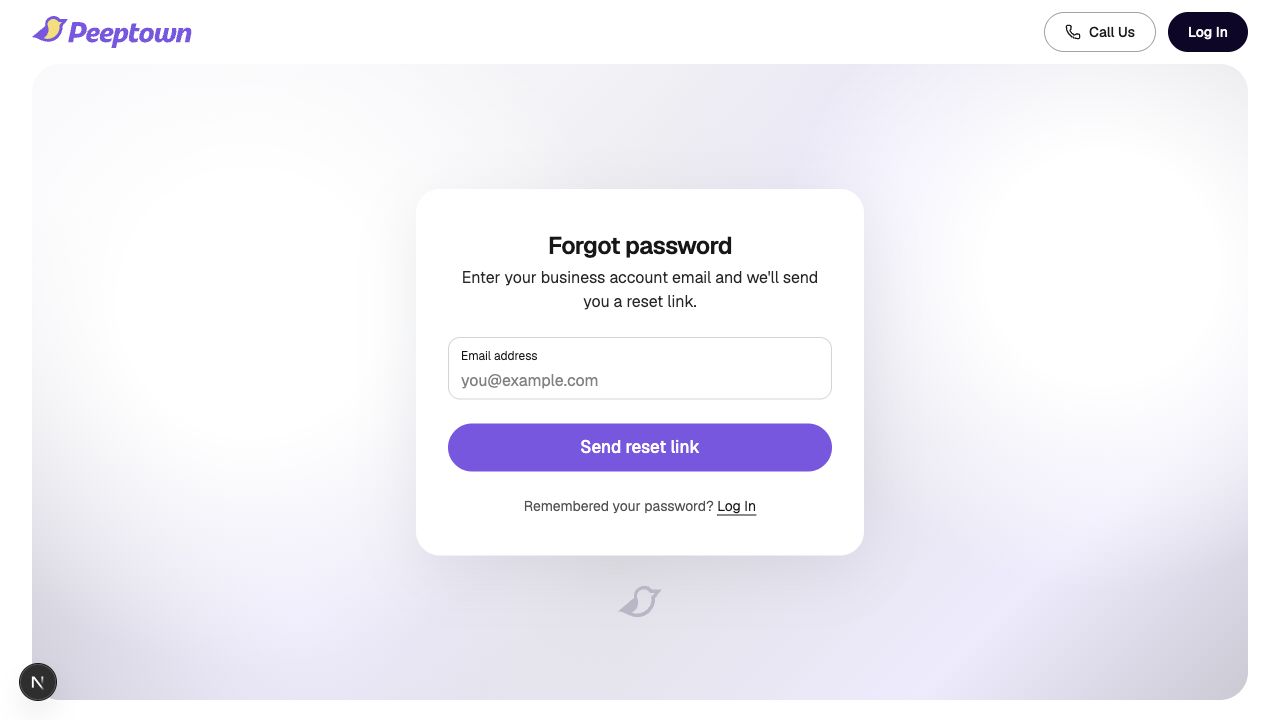
You can also reach this page from the login screen by clicking Forgot your password?
Step 2: Enter your account email
Type the email address linked to your Peeptown business account.
Click Send reset link.
Step 3: Check your inbox
If the email exists in Peeptown, you will see a success message and receive an email with a secure password reset link.
- Open the latest reset email from Peeptown.
- Click the reset link inside the email.
If you do not receive the email
- Check spam or promotions.
- Make sure you entered the correct business account email address.
- If Peeptown says the email does not exist, you may need to sign up first or use a different email.
Tip: Use the latest reset email in your inbox. Older reset links can be less useful if you requested a newer one after that.
Next helpful step: How to Reset Your Peeptown Password.