
If you are new to Peeptown, the fastest way to get started is to create your business account with your email address and verify it using the one-time code sent to your inbox.
Before you begin
- Use an email address you can access right now.
- Keep your inbox open because Peeptown will send you a 6-digit verification code.
- If you plan to manage a business profile, use the business owner email you want connected to the account.
Step 1: Open the sign-up page
Go to Peeptown Sign Up.
You will see the Create your owner account screen.
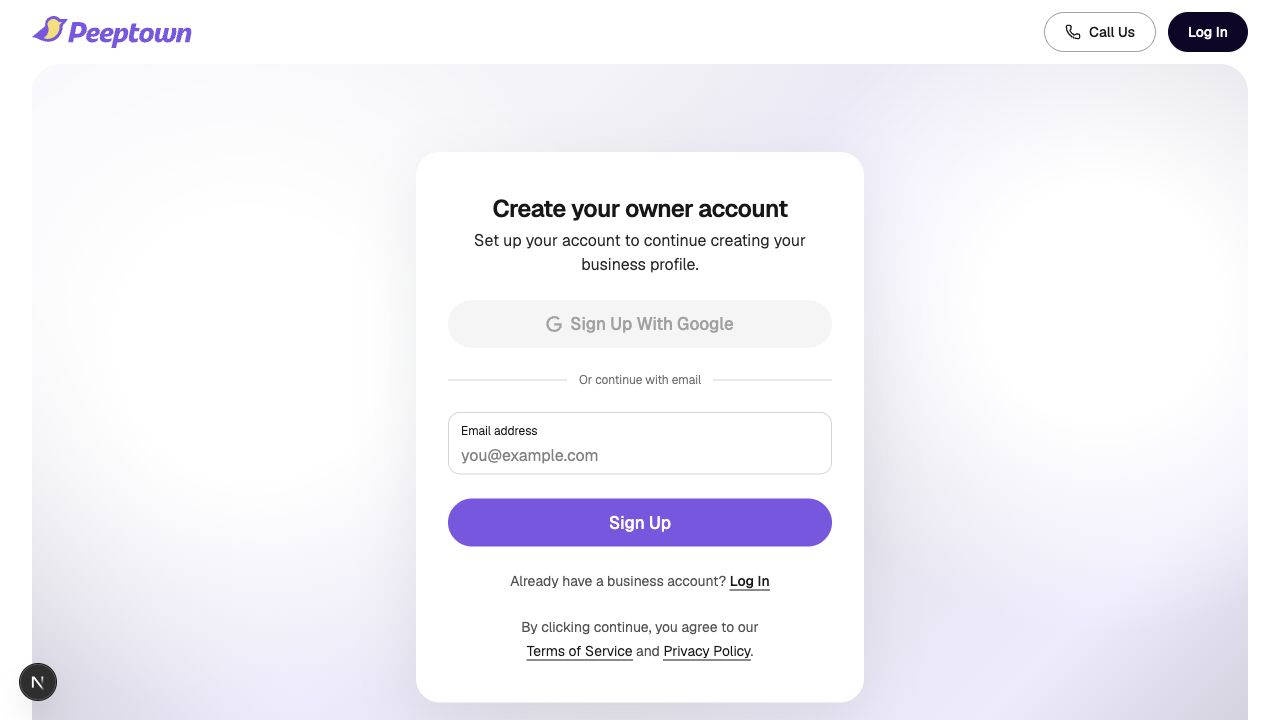
Step 2: Enter your details
Fill in these fields:
- Email address
- First name
- Last name
- Country
- Phone number if you want to add it during signup
When everything looks right, click Sign Up.
Step 3: Enter the verification code
Peeptown sends a one-time code to your email address and opens the Enter verification code step.
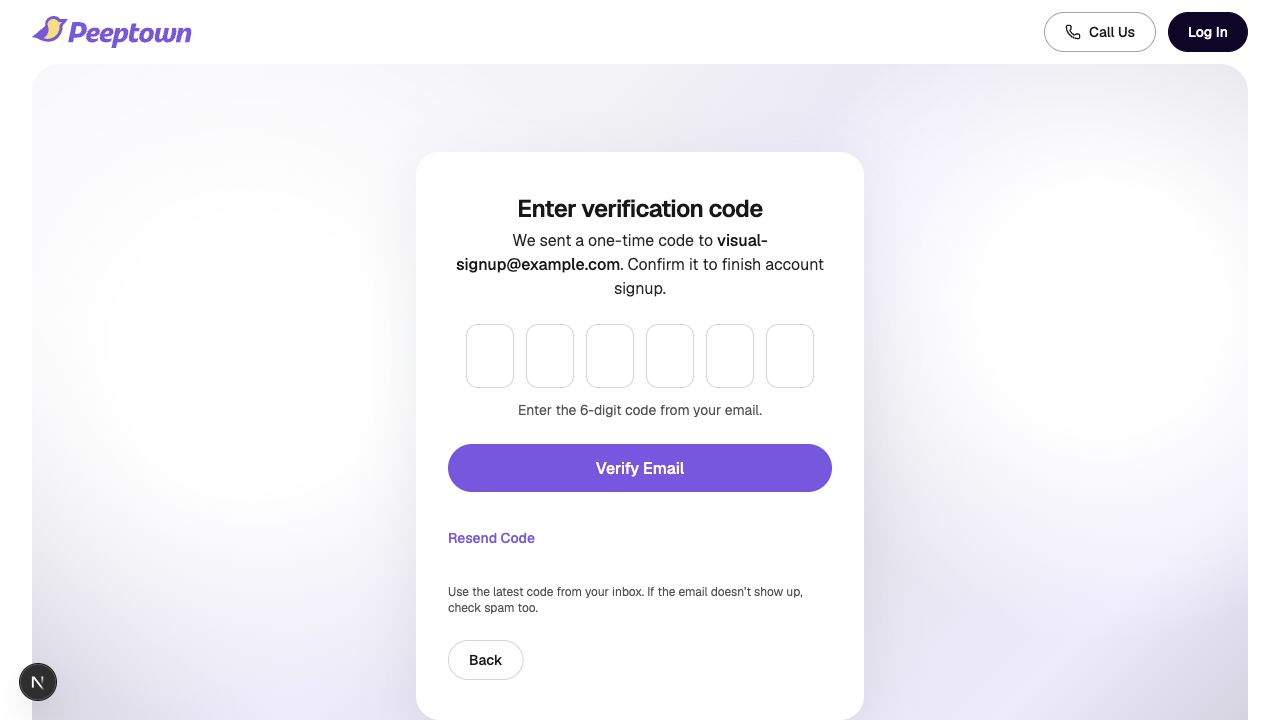
- Open the email sent by Peeptown.
- Copy the latest 6-digit code.
- Return to the sign-up page.
- Enter the code in the verification boxes.
- Click Verify Email.
Step 4: Continue to business setup
After your email is verified, Peeptown signs you in and takes you to your business setup flow so you can continue building your profile.
If the code does not arrive
- Check your spam or promotions folder.
- Use Resend Code on the verification screen.
- Make sure you entered the same email address you can access.
- If you changed your email by mistake, go back and enter it again.
Tip: Signup uses email verification first. If you want password login later, you can set or recover a password from the login and password reset flow.
Next helpful step: read How to Log In with Email OTP on Peeptown.